

Cobblemon Plus+ Modpack
Our official Cobblemon modpack: legendaries and every Pokémon to find, tuned for the Blaze Cobblemon server.
On your phone? Minecraft: Java Edition runs on a computer.
Or type mc-blaze.com/cobblemon-modpack on your computer.
First-install rewards: play with our official modpack and you'll receive one-time modpack rewards the first time you join each server.
Option A: Modrinth One click
- 1
-
2
Open our Modrinth server and hit Play
Our Blaze Cobblemon server listing installs the Blaze Cobblemon modpack and adds the server for you in one go.
Play on Modrinth -
3
Join
Once Minecraft loads, Blaze Gaming is waiting in Multiplayer. Click it and Join.

Option B: CurseForge
Download CurseForge
Download the free CurseForge app, install it, and sign in or continue as a guest.
Download CurseForge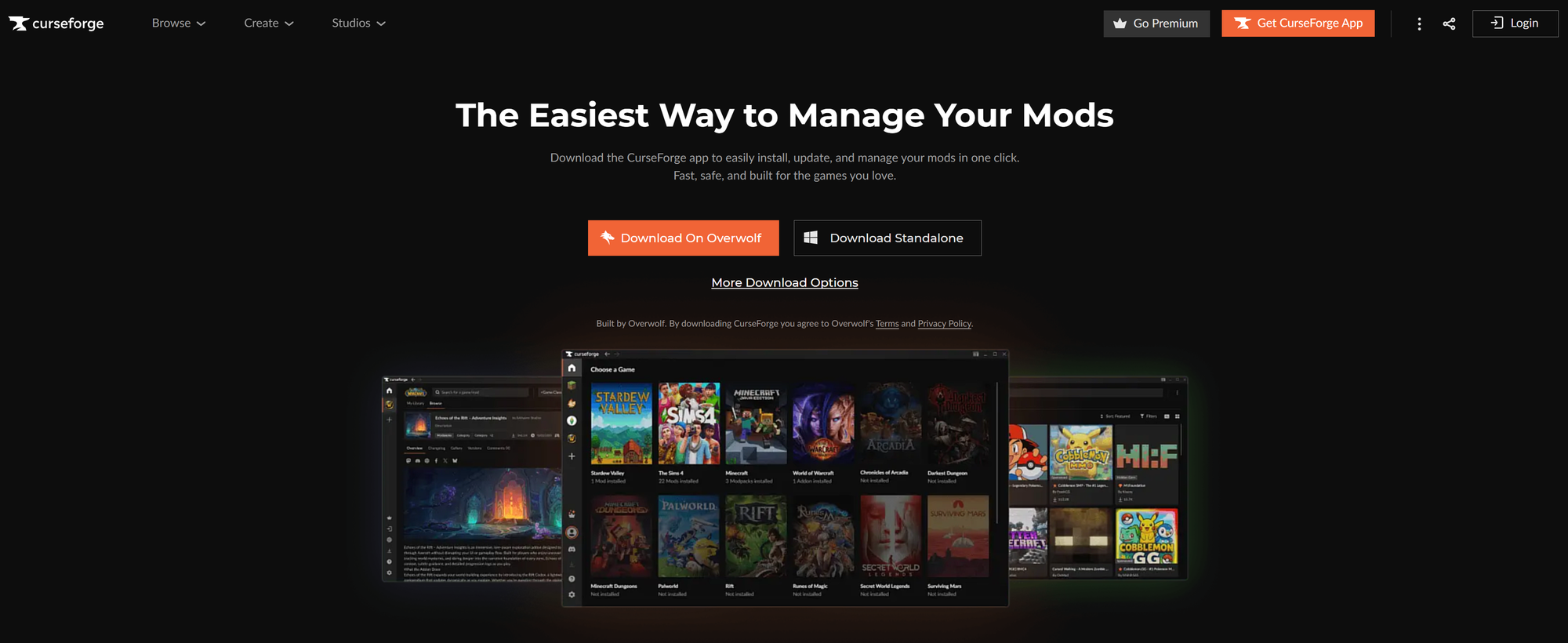
Install Cobblemon Plus+
Open the modpack page with the button below, or search Cobblemon Plus under Browse in CurseForge, then hit Install.
Install Cobblemon Plus+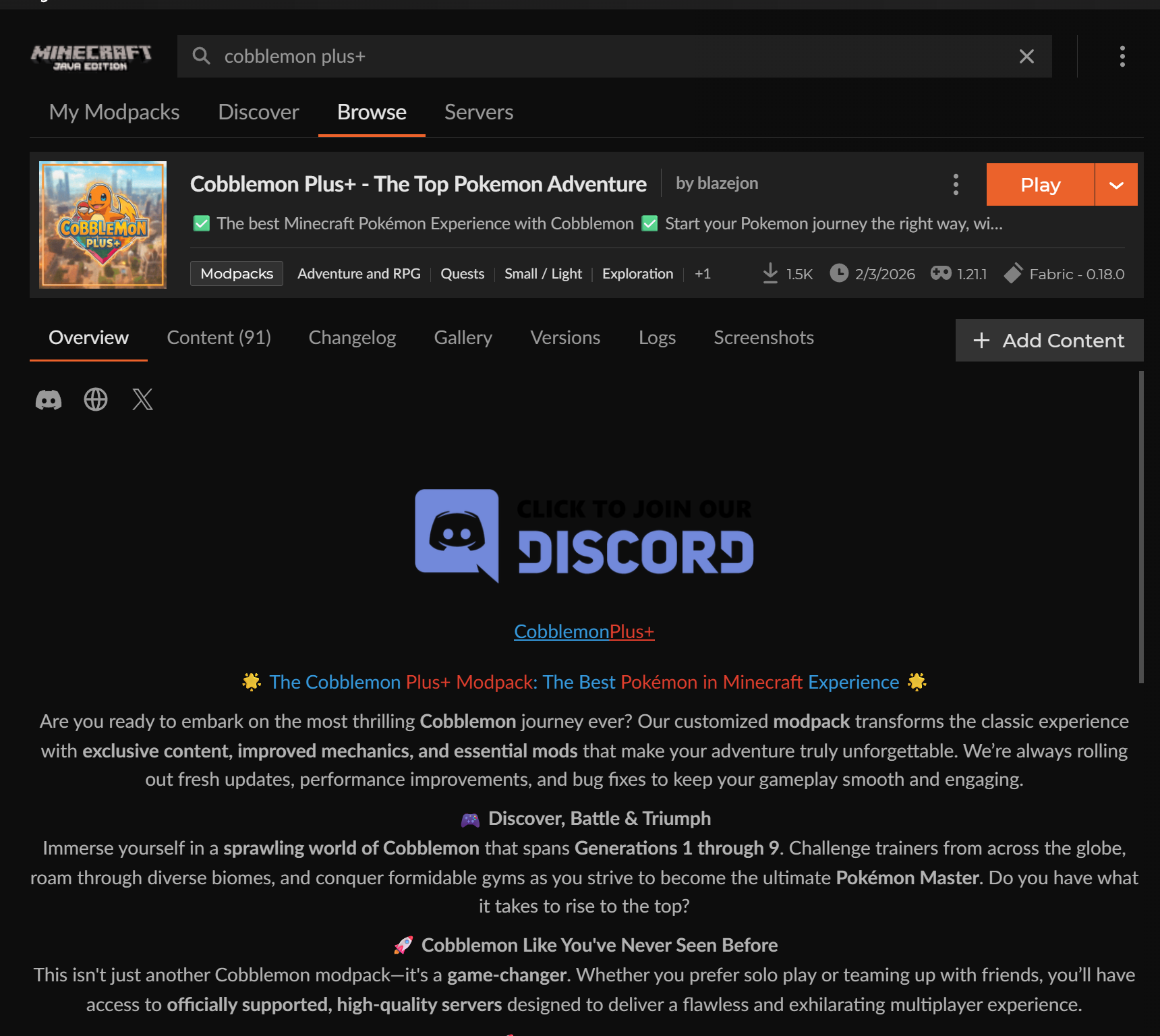
Launch and join
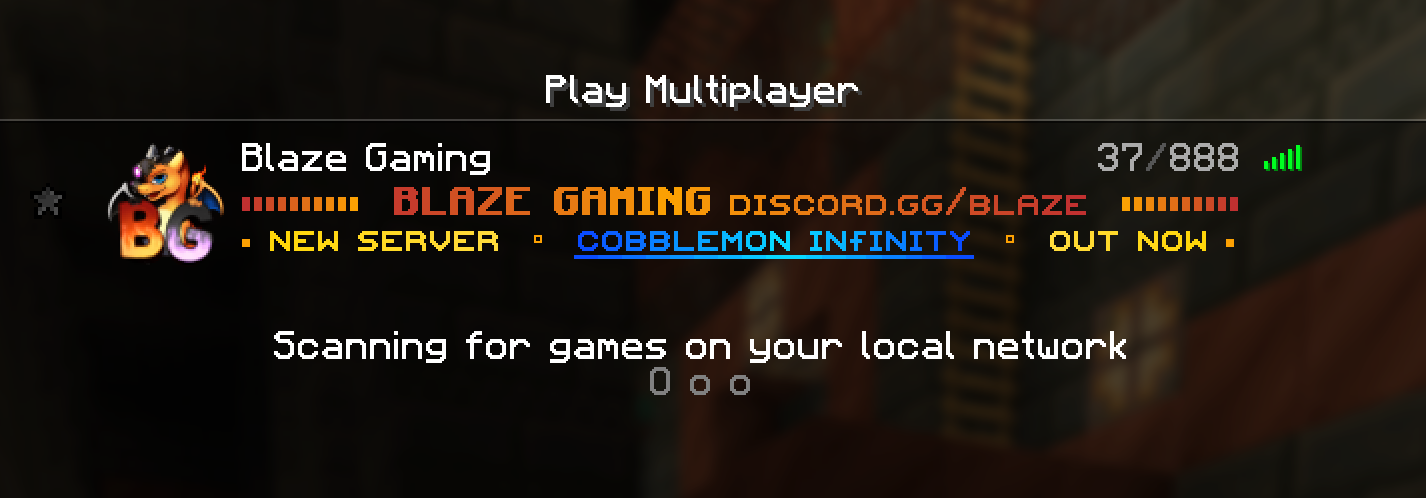
Press Play in CurseForge. Once Minecraft loads, open Multiplayer. Blaze Gaming is already in your server list, so just click it and Join. Your one-time modpack rewards are waiting on your first join.
Bring a friend
Make a link for a friend. It shows them how to install the modpack and how to find you in-game.
Your username goes in the link after the #. Browsers don't send that part to our servers, and we don't save it.
Troubleshooting
Blaze isn't in my server list
Go to Multiplayer → Add Server and enter (click to copy), then hit Done and join.
The server says my client is outdated or mods are missing
Make sure you're on the latest version of the modpack. CurseForge and the Modrinth App both show an update option on the modpack when a new version is out. Update it, then relaunch.
The game runs slowly or crashes while loading
Modpacks need more memory than vanilla Minecraft. In your launcher's settings, raise the memory (RAM) given to Minecraft. 4 to 6 GB is plenty for our modpacks. Then launch again.
When do I get my modpack rewards?
The first time you join each server while playing with our official modpack. They're one-time rewards per server.
Can I add other mods, like a minimap or shaders?
Some, yes. Performance mods, shaders, recipe viewers and minimaps with entity radar and cave view turned off are allowed. Your modpack already includes Sodium, Iris, JourneyMap and JEI, so don't add a second copy of those. Cheats such as x-ray, auto-clickers and kill aura are always banned. For anything else, ask staff first. See the full list of allowed mods.
Need a hand?
Join — members online in our Discord for support, update notifications, server announcements and community events.